

Product / Remote scoring
No signal? Keep scoring.
Score from a phone, even offline. Hand a match to anyone with a QR code, no account needed. In the Seazn app the pad keeps working with no signal and sends every tap, in order, when it returns.
Switch the signal off. Keep tapping.
A working model of the real app. Nothing here is recorded.From your screen to their phone
Three steps, each shown on the real screen.
Show a code
OrganiserOpen the match and choose Remote scoring. Show the QR, print it on the scoresheet, or send the link.
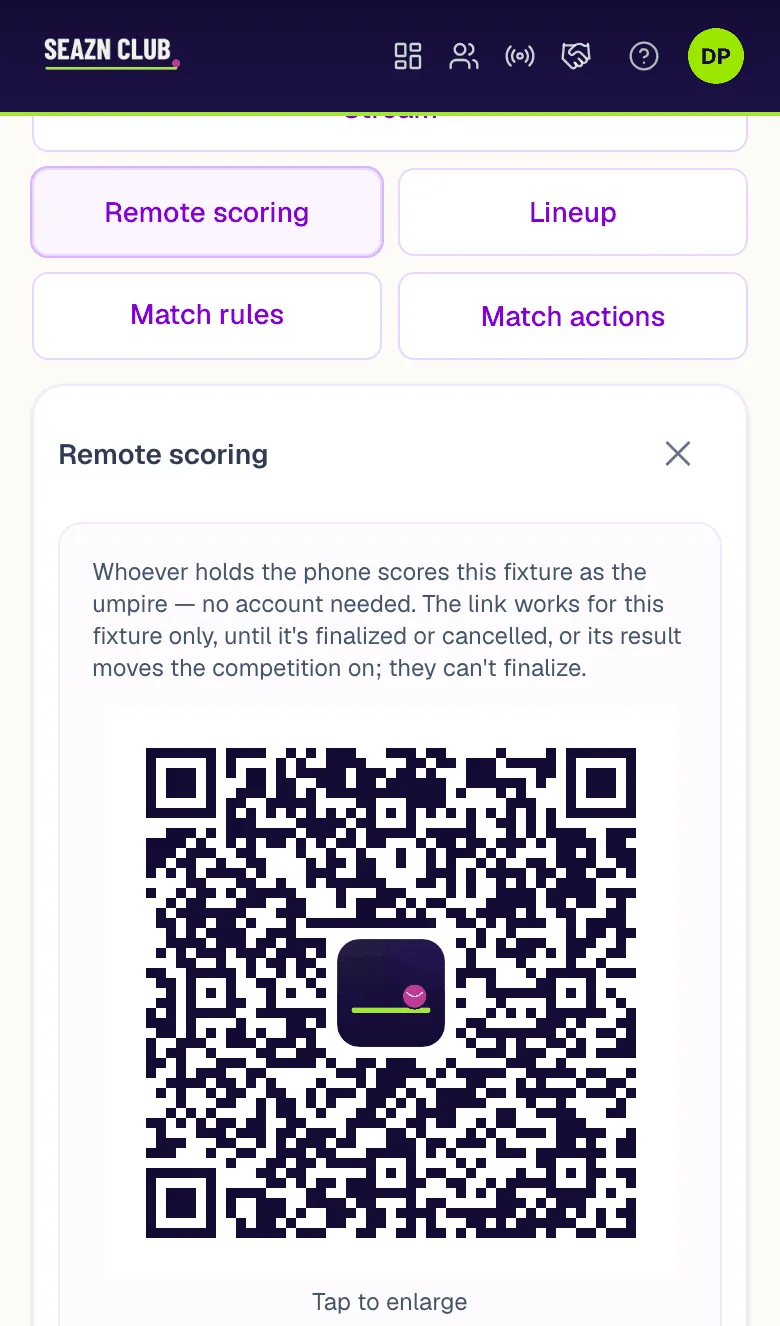
Remote scoring on a match.
They scan and score
VolunteerNo account and nothing to set up. The code scores this one match, until it is final.
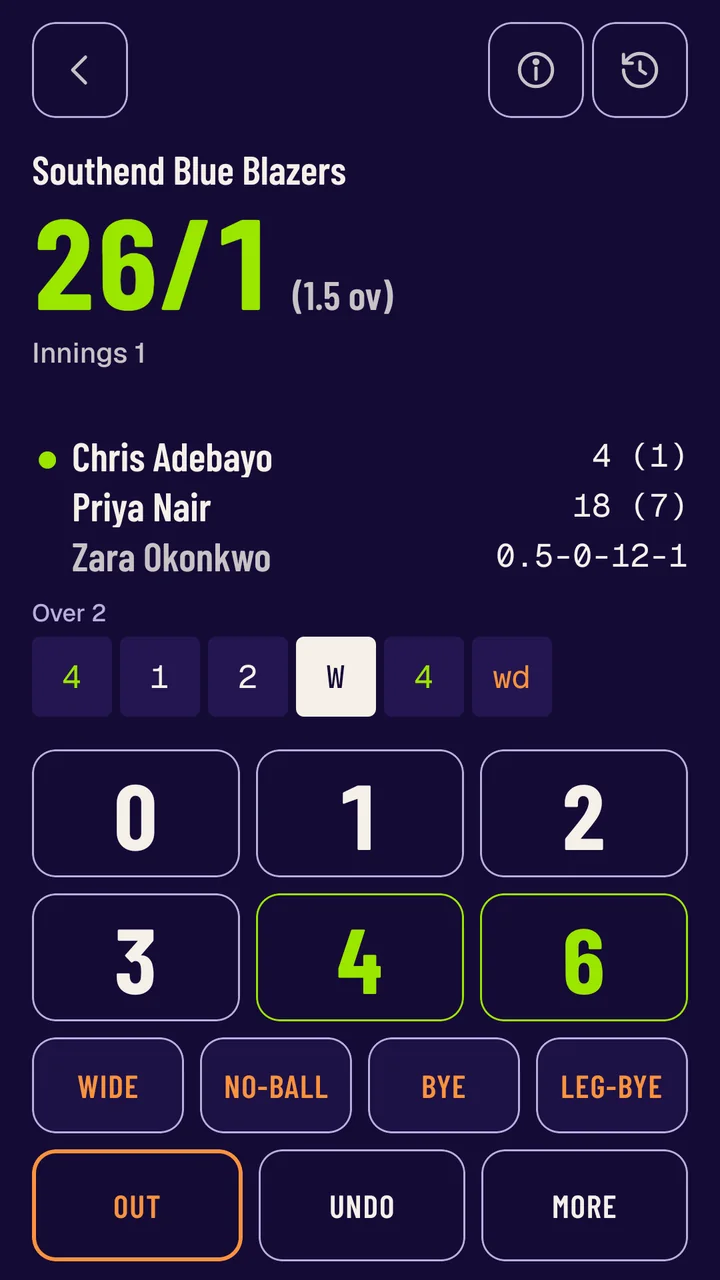
The Seazn app, mid-over.
You keep the last word
OrganiserEvery tap reaches the public match page. Only you can make the result final, and you can cancel a code at any time.
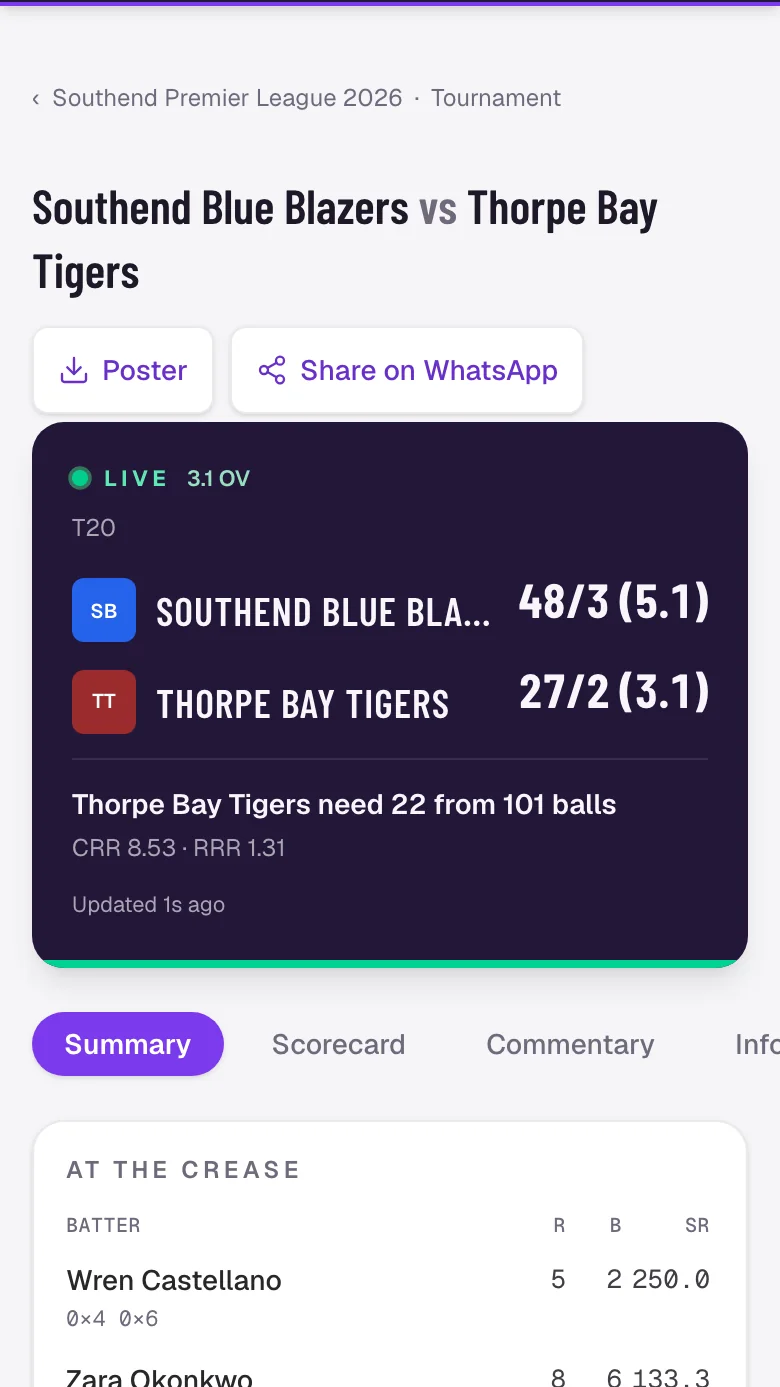
The public match page on a phone.
What it looks like on the day
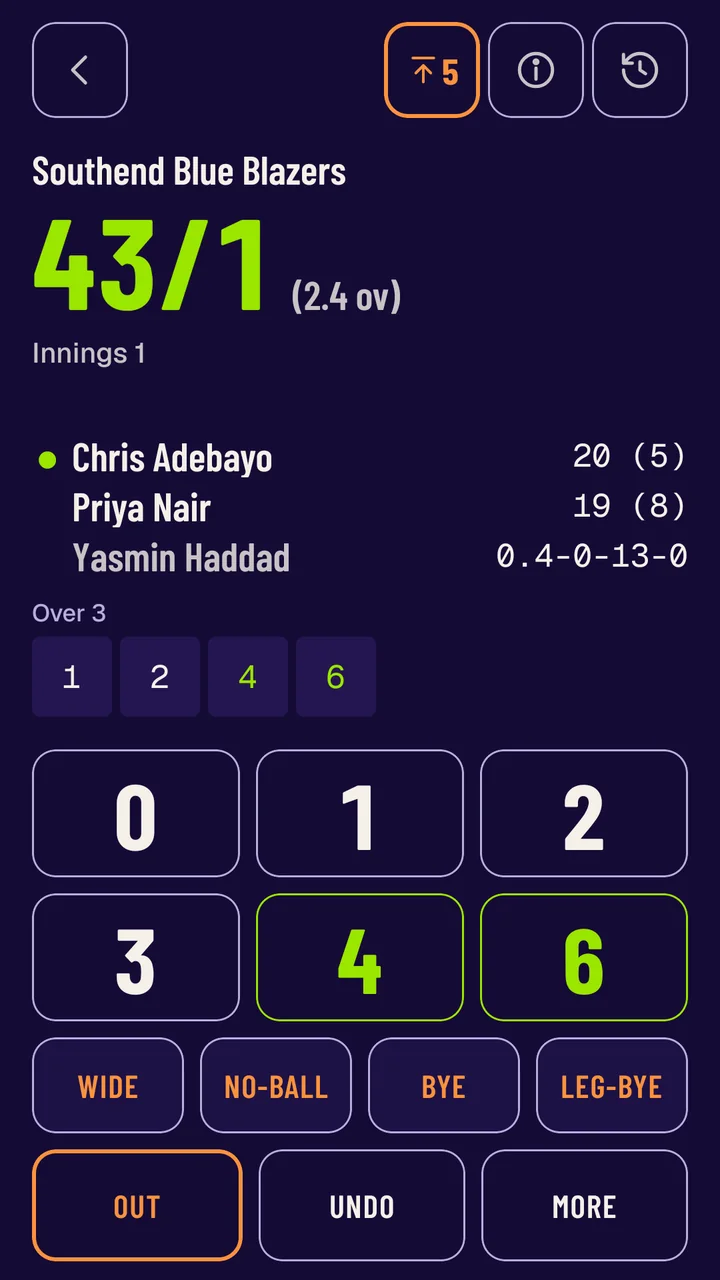
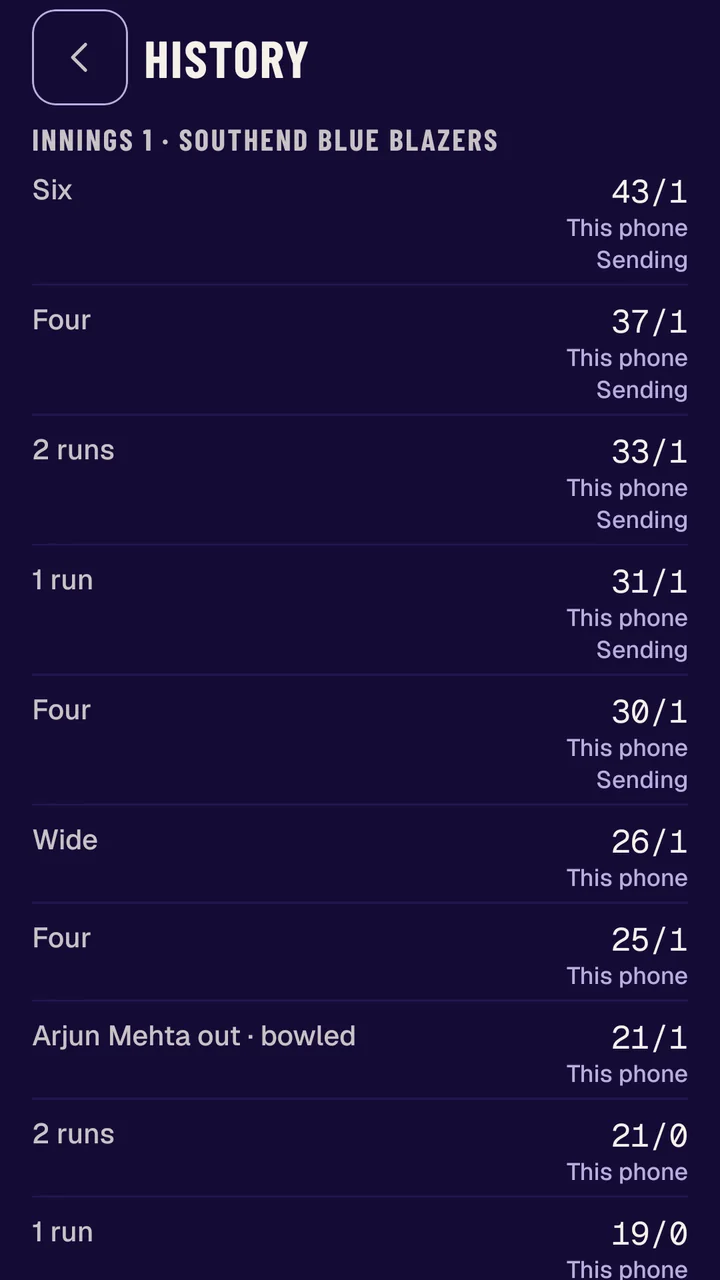
These are the real app with airplane mode on, mid-match. Five balls scored with no connection, then sent when it came back.
- Signal dropsThe pad keeps working. A badge counts the balls waiting.
- You keep scoringHistory marks each waiting ball as sending.
- Signal returnsThe balls go up by themselves. Everyone's screen catches up.
Free. On every plan.
Scoring never costs anything, from a desk or from a volunteer's phone. One code per match.
One code, one match
- AccountNone needed
- Opens inApp or browser
- Stops workingWhen the match is final
- Lost the sheetCancel and reissue
Questions people ask first
Does the volunteer need an account?
No. They scan the code or open the link, and score.
Do they need the app?
No. The link opens a scoring pad in the phone's browser. Scoring with no signal needs the Seazn app.
What happens when the phone loses signal?
In the Seazn app the pad keeps working. Taps wait on the phone and send themselves, in order, when signal returns.
Can a volunteer change the result?
They score the match. Only you can make it final, and the code stops working once you do.